
DHECINK
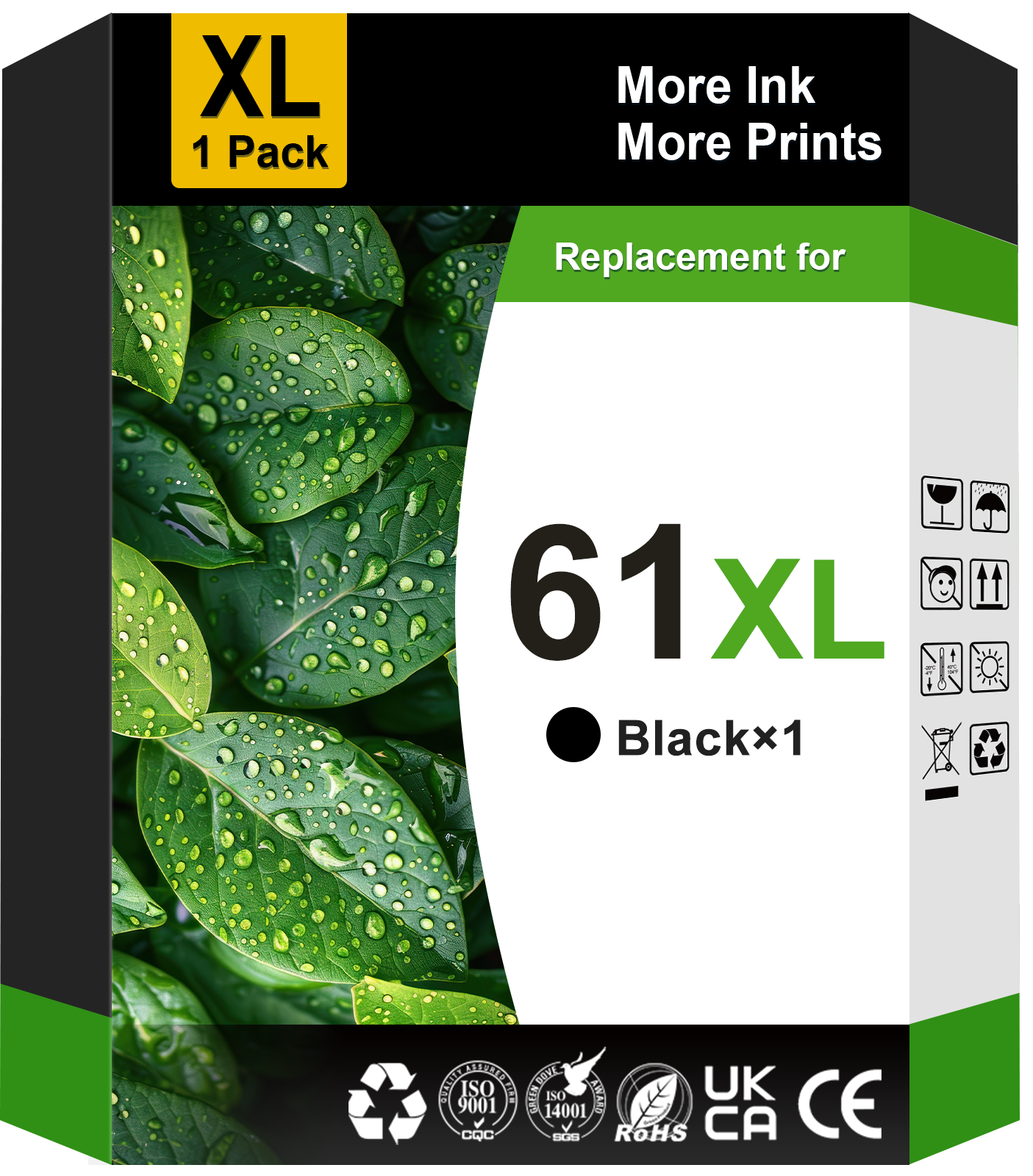
61 Ink Cartridge Compatible for HP 61 Black Ink for HP Ink 61 for Envy 4500 5530 Printer (1 Black)
61 Ink Cartridge Compatible for HP 61 Black Ink for HP Ink 61 for Envy 4500 5530 Printer (1 Black)
Couldn't load pickup availability
- ⭐1 Pack 61XL Black Ink Cartridge Compatible for HP 61 Black Ink Cartridges for HP Envy 4500 5530 4502 Printer (1 Black)
- ⭐High Page Yield for HP Ink 61: Up to 750 pages per hp 61xl black ink cartridge at 5% coverage
- ⭐High Compatibility: 61xl for hp 61xl for using with HP DeskJet 1000 1010 1012 1050 1051 1055 1056 1510 1512 2000 2050 2510 2512 2514 2540 2541 2542 2543 2544 2646 2547 2548 2549 3000 3050 3054 3510 3511 3512 3050a 3051a 3054a 3052a 3056a, DeskJet 2546P 2546B 2546R printer
- ⭐With the built-in smart chip, 61 xl ink for hp 61 ensure fast recognition, real-time ink level display and smooth printing
- ⭐Our 61 ink for hp 61xl black ink are formulated to deliver premium prints with crisp text
- ⭐All 61xl 61 ink cartridge are tested in multiple processes before leaving the factory to ensure can be recognized by your printer
1-Pack 61XL Black Ink Cartridge Compatible for International Model HP Printer Ink 61 XL 61XL Ink cartridges for Hp black ink 61 Combo Pack
🖨️ Compatible Printers:
OfficeJet 2620 4630 4632 4634 4635
ENVY Series: 4500 4501 4502 4503 4504 4505 5530 5531 5534 5535
DeskJet 1000 1010 1050 1051 1055 1056 1510 1512 2050 2510 2512 2514 2540 2541 2542 2543 2544 2547 2548 2549 3000 3050 3510 3511 3512 3516 3050A 3051A 3052A 3054 3056A
(Please confirm your printer model before placing order)
📦Package include:
1 x 61XL Black ink cartridge
📑High Yield (at 5% coverage Letter/A4):
Up to 750 pages per 61 XL black ink cartridge
👉 Installation Steps:
Step 1: Take off the plastic protective cover cap
Step 2: Tear off the protective tape
Step 3: Install the ink cartridge into the corresponding slot
(Attention: Do not touch the chip or the ink port)
🧡Warm Tips:
⭐ If printer screen pop up “Non-Genuine” “NON-Original”, please press “OK” or “Next” and they will go ahead.
⭐ If occur an error message “Low ink” or “ cartridge is missing or damaged”, please try to reinstall them several times.
⭐ If printer doesn't recognize the cartridge, please remove it, clean the chips with an eraser softly, then reinstall the cartridges and restart the printer.
⭐ If prints come with fading color or broken lines, please try to perform the nozzle cleaning setting in the printer once or twice.
🧡Professional Support:
All products are packed independently and have undergone strict quality inspection before leaving the factory. You can buy them with confidence. If you have any questions, please feel free to contact us. A satisfactory service is promised.
DHECINK adheres to the ethos of 'Create Color, Deliver Value' through continuous innovation and research, employing green materials and premium ink to produce exceptional ink cartridges. We are committed to achieving the unparalleled print quality and satisfying customers’ diverse printing needs, ensures that every one enjoys the pleasure of printing and captures every wonderful moment.
Share